API Keys
Learn how to create, manage, and use API Keys within your organization.
Overview
API Keys are unique secrets used to authenticate access to your organization’s resources. Each key is associated with specific permissions that define what it can access.
You can create separate API Keys for different use cases, or reuse keys across multiple tools, as long as you handle it according to its sensitivity level.
Permissions
Each API Key is assigned one or more permissions, defining which actions it can perform across different services. Permissions are grouped by sensitivity level that indicates how safe they are to expose.
Runtime safe
For distribution to end clients. Used mainly to send data. Treat as public keys.
| Name | Scope | Description | Sensitivity |
|---|---|---|---|
| Send Analytics Events | analytics.send | Send analytics events from the client or server. | Low |
| Send Logs | logs.send | Send logs from clients or servers. | Low |
| Upload Traces | traces.upload | Upload trace files for performance investigation. | Low |
Third-party tools
Safe for trusted integrations (e.g. crash reporters). Grants read access. Not for end clients.
| Name | Scope | Description | Sensitivity |
|---|---|---|---|
| Query Analytics | analytics.query | Query aggregated analytics data. | Medium |
| Download Symbols | symbols.download | Download symbol files. | Medium |
Internal Only
For your developers and build pipeline. Grants access to proprietary data. Never share outside your team.
| Name | Scope | Description | Sensitivity |
|---|---|---|---|
| Upload Analytics Backgrounds | analytics.backgrounds | Upload custom background images used in analytics dashboards. | High |
| Upload Symbols | symbols.upload | Upload symbol files for crash and stack trace analysis. | High |
| Download Traces | traces.download | Download trace files. | High |
| Delete Traces | traces.delete | Delete trace files. | High |
| Use Compute | compute.use | Use existing cloud compute instances. | High |
| Spawn Compute | compute.spawn | Create or manage new cloud compute instances. | High |
Generate
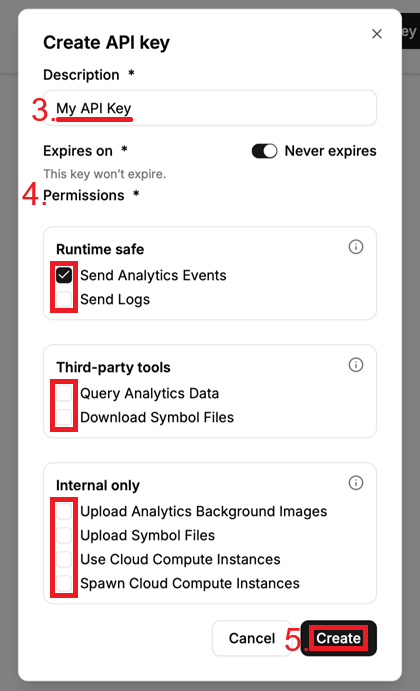
Open the API Keys page and select Create API Key.
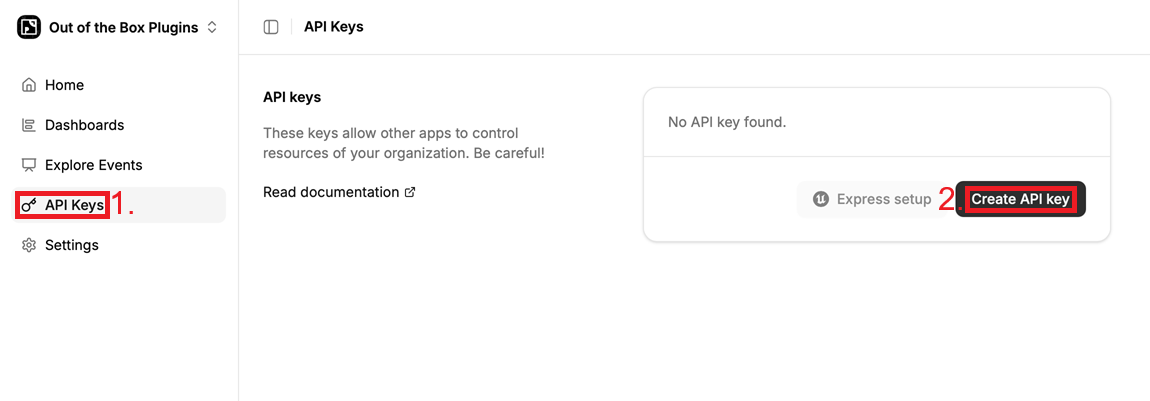
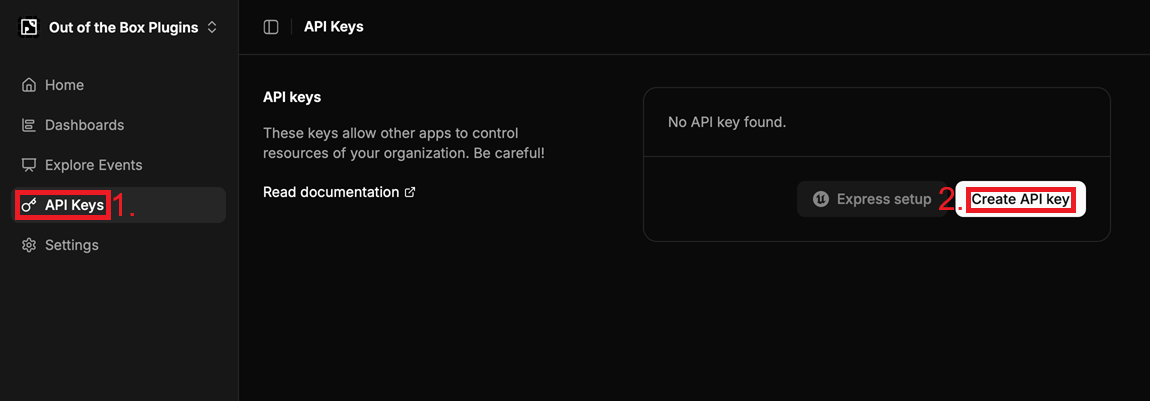
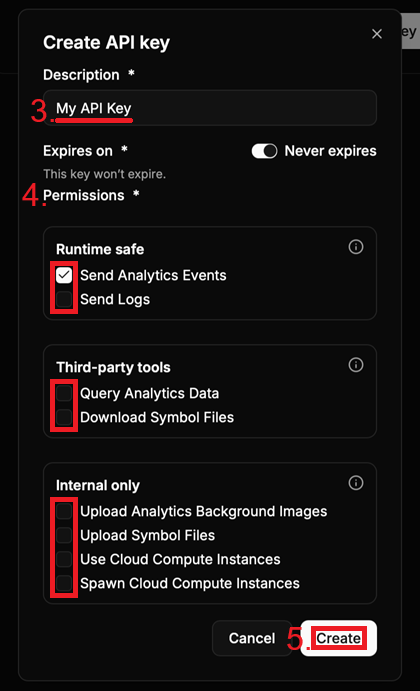
Inside the creation pop-up give the key:
- a description (used to identify the key later on)
- expiration date (or no expiration)
- one or more permissions
Then press Create at the bottom.
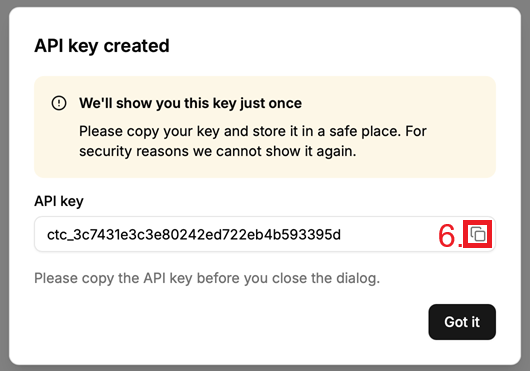
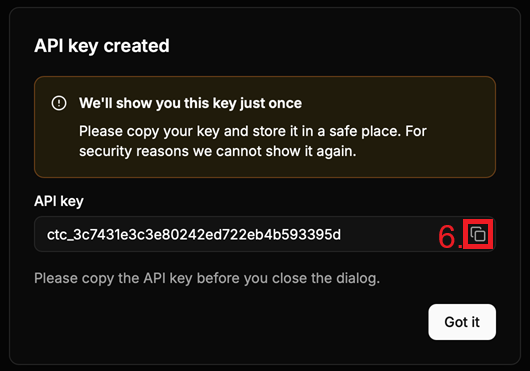
Finally copy the result and store it in a safe place.